Hi guys.
I have written here some lines of code that I believe generate abnormal behavior.
This is the program.
p = 0.01

if d <=0 then
M = max(M,close)
endif

PP = (M - close)/ M
NP = PP >= p

if NP then
M = 0
d = 1
endif

once L = close
if d >=0 then
L = min(L,close)
endif

VP = (close - L) / L
NV = VP >= p

if NV then
L = close*100
d = -1
endif

buy at -close limit
graph d
graph M
graph L
graph PP
graph VP
graph NP
graph NV
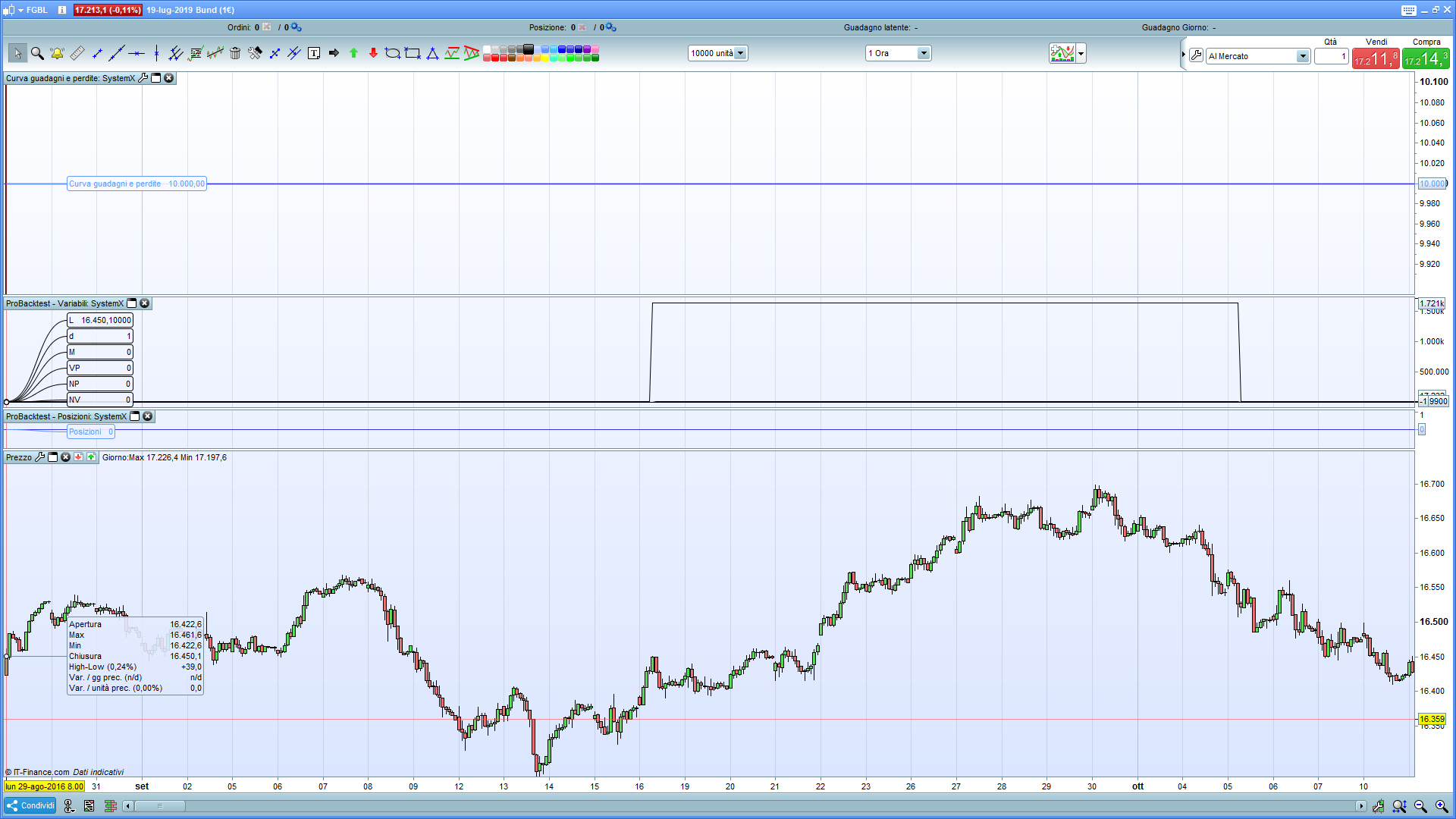
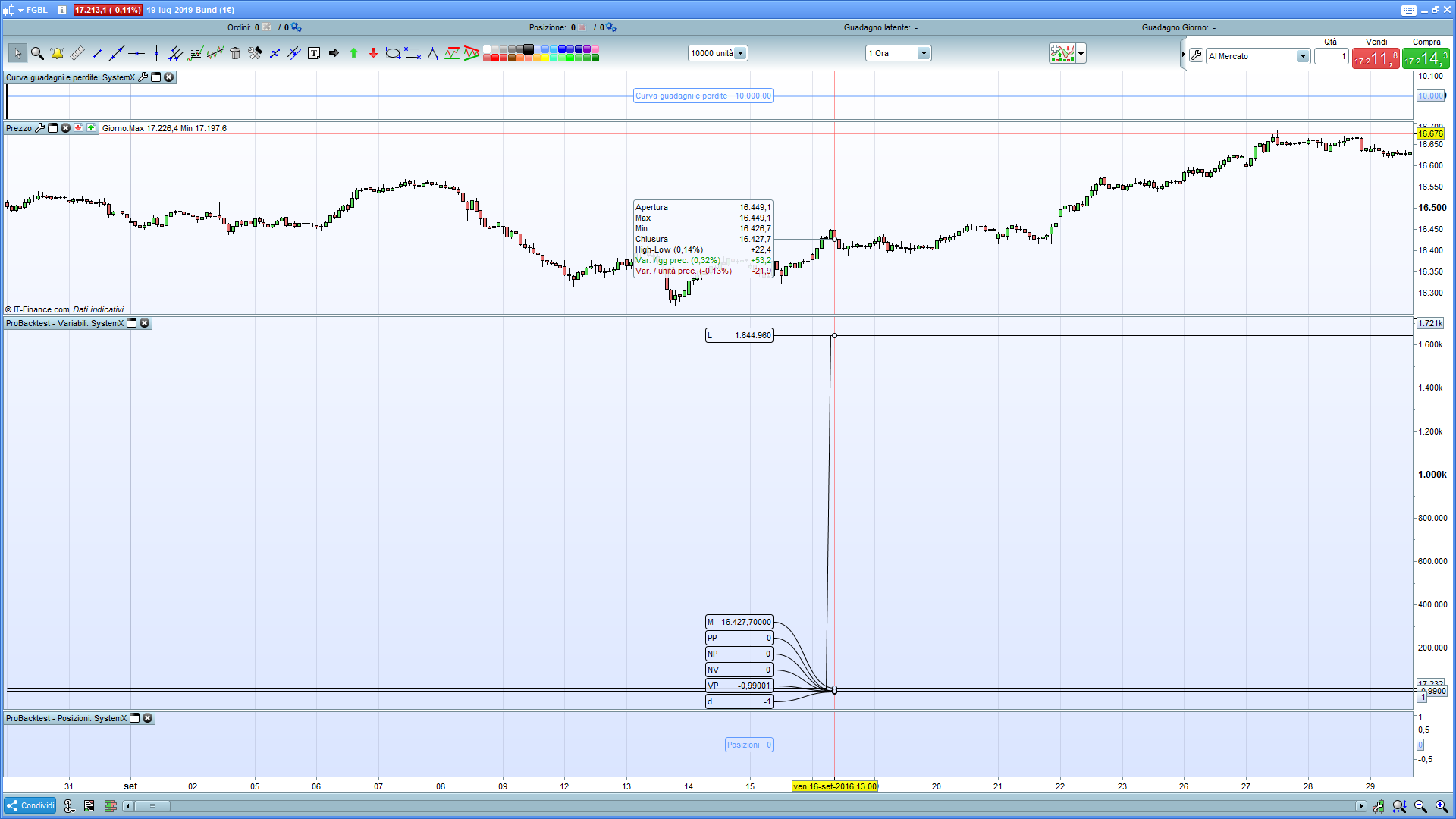
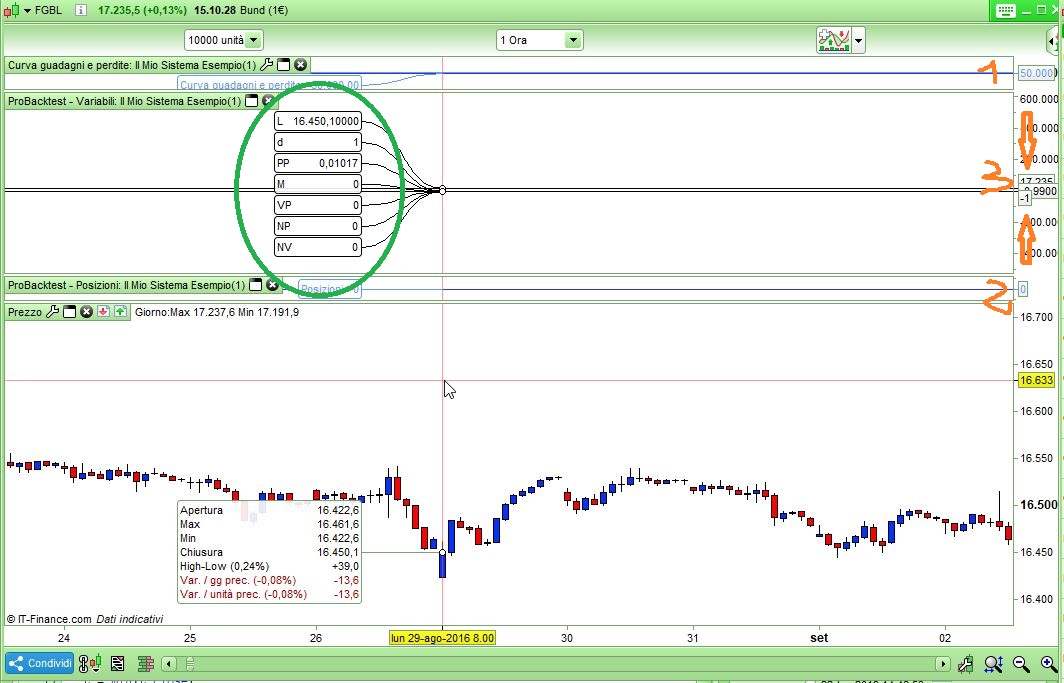
The attached figure shows the value of the variables I am monitoring at the first candle.
The instrument is the bund (CFD) with time frame at one hour.
My question is:
why isn’t the division by zero error reported?
If we look at the code, the variable M, initially, is zero.
Thus, the PP variable should have the denominator at zero. However, the system does not report it.
Why?
Thank you.
On the first run through the code PP and VP are zero divided by zero. Perhaps zero divided by zero is an acceptable calculation whereas one divided by zero is not?
M is equal to Close at first run because of line 4.
M is equal to Close at first run because of line 4.
Ooops. Missed that important bit. So the calculation is (close – close) / close and so there is no division by zero.
The wine I’m drinking must be even cheaper than the wine Nicolas is drinking!
Dunno about the price but it’s untasteful. 😆
Sorry, you’re right: it’s not a division by zero just because of the line of code number 4.
Obviously the wine I’m drinking is the worst! 🙂
I realized, only now, that with the last question I have crossed the boundaries of the thread (defined by the title of the thread itself).
Do I ask the moderators, therefore, that it is necessary to open another thread with a more appropriate title and relevant theme?
Sorry, in all ways.
I don’t know what version you have.
I have v10.3 and it allows unlimited variables with GRAPH e GRAPHONPRICE 0n Demo accounts, while only 5 are allowed on Real accounts.
Yes, I also have version 10.3. In this case the problem encountered remains (failure to display the PP variable)
Thanks Roberto.
There are two other problems in the code. Or, at least, they seem so to me.
1. Why – again at the first candle – the value of the variable M is equal to zero?
If we follow the code we can see that in row 4 the variable M is given the value of the close of the candle (16504.7).
The PP variable to which the zero value is assigned is then calculated. Then, to the logical variable NP, the value zero (false) is assigned: this because PP is not greater than or equal to p (0.01). Therefore the cycle reported on lines 10-13 cannot be executed and, therefore, the variable M must remain at the value it had previously taken (16504.7).
From that line to the end of the program there is no longer any instruction that can cancel the value of M. But then, why is this null?
2. Why does the variable L, always after the first candle, take the value of 16450.1?
On line 15 there is an instruction that assigns to L the value of the close of the candle (16504.7). Then the cycle is executed (lines 16-18) which assigns to L the minimum value between L and the close. Therefore, the variable L should not change its value.
Subsequently the variables VP and NV are calculated and, by reason of their values, the cycle on lines 23-26 is not executed.
But then, why does L take on this value?
On the same day and hour I can see ALL variables, you need to use your mouse to shrink windows 1 & 2 and enlarge window 1 then reducing its scale as much as possible (you should almost see a flat line for variables).
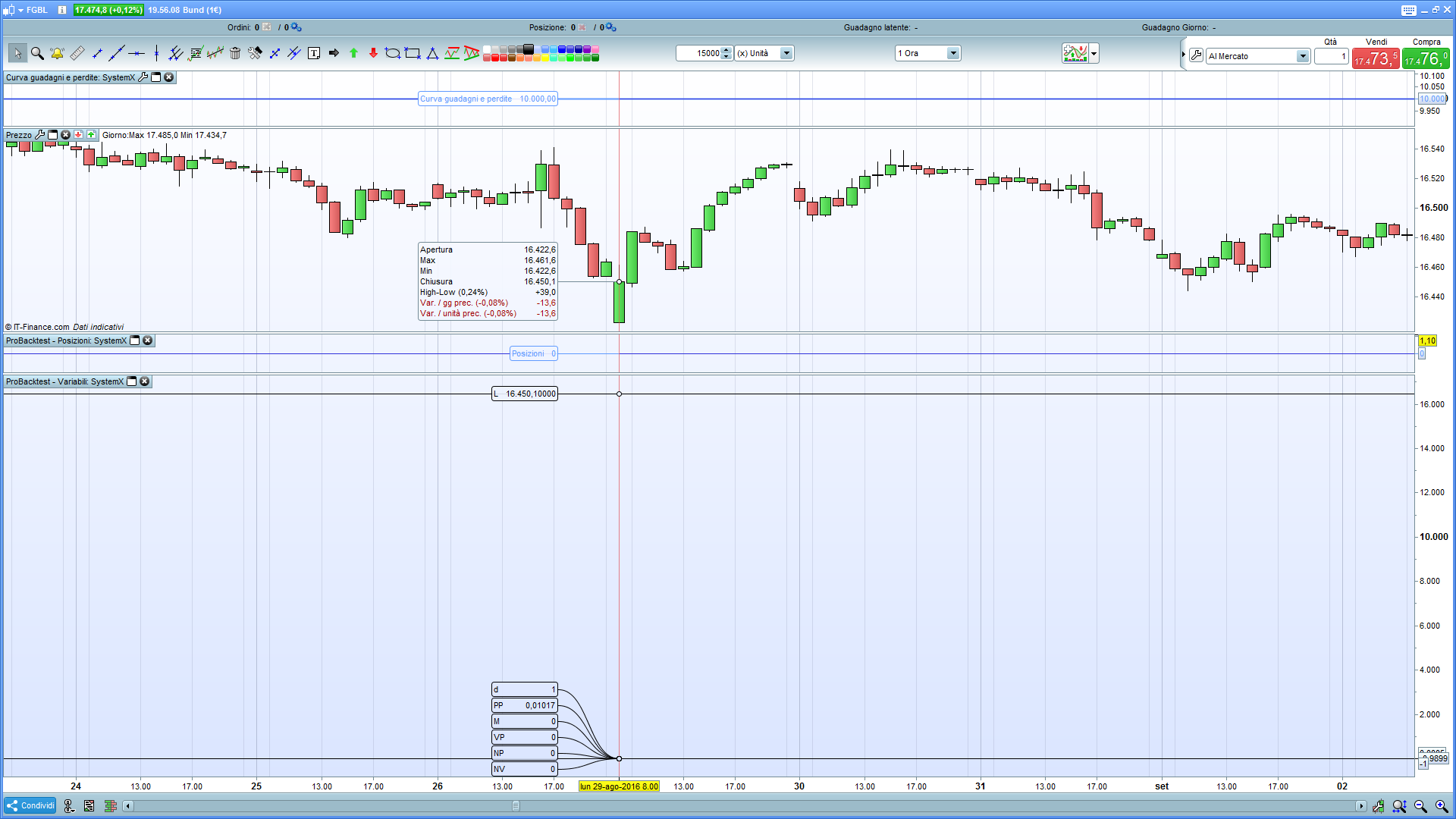
I followed your suggestions and got the desired result. With a small difference, as can be seen from the attached image (the seventh variable, L, is not aligned with the others), but irrelevant.
Thanks Roberto.