







Candlestick Timeframe 5-minutes
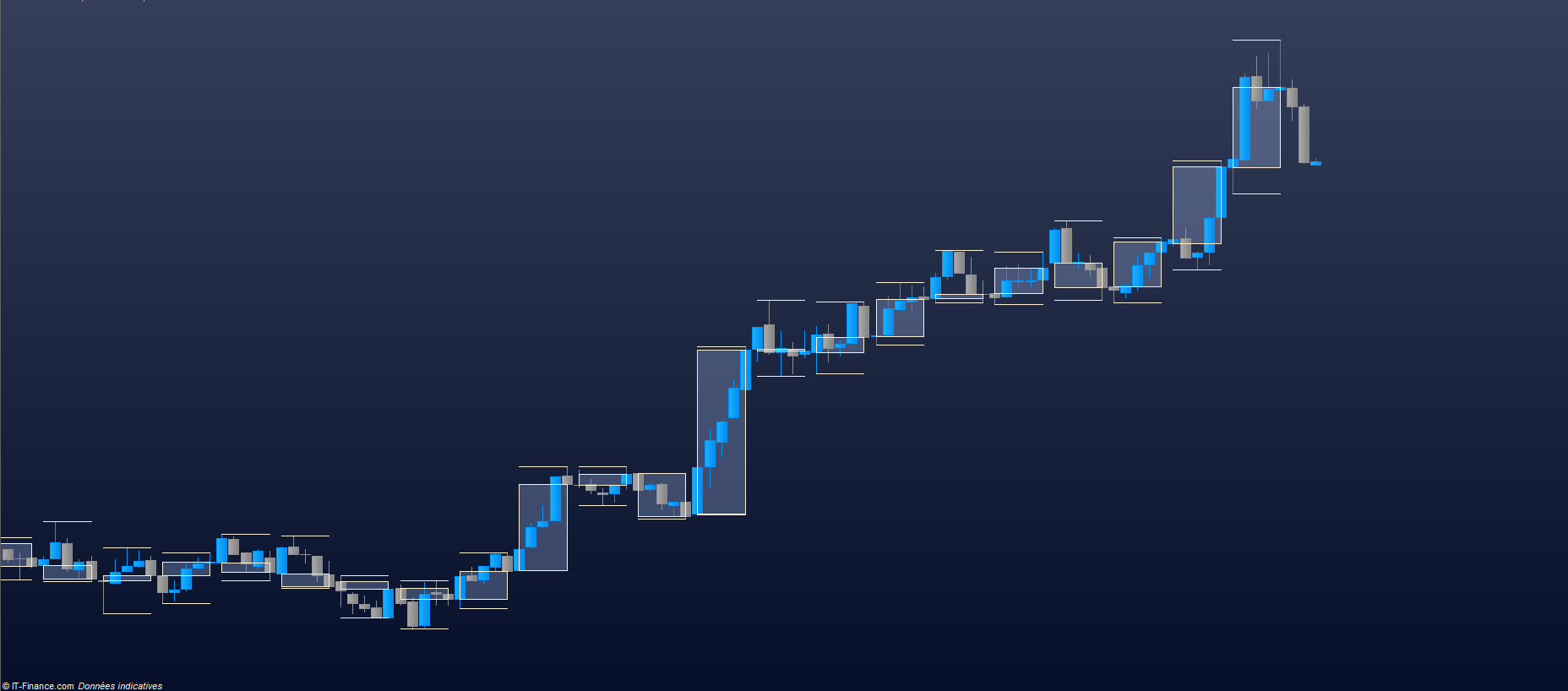
After a lot of laborious testing, I finally managed to code a 5 minute candlestick on a 1 minute unit of time.
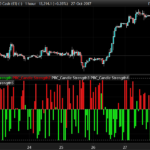
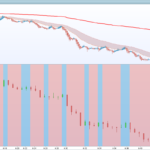
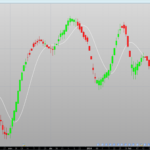
This indicator has no concrete purpose in use as displayed on the presentation image.
On the other hand, you can use these variables to give your indicators the exact coordinates of a higher timeframe.
In short, no more approximate use of the multiplier!
This only gives the variables adapted to 5 minutes, if you want another unit of time you can ask via the forum or do it on your own.
Yours sincerely,
IV
//
//=/===============/=//=/===============/=//=/ Indicator TimeFrame
//

//
//=/===============/=//=/===============/=//=/ Selection TimeFrame
//

//=/ 5Minutes
X5Minutes = 000500

//=/ Selection
Selection = X5Minutes

//
//=/===============/=//=/===============/=//=/ Basic Values
//

//=/ Values
XTimeframe = 000000+Selection

CountDown = 0

Initianl = 000100

//
//=/===============/=//=/===============/=//=/ Calculation of Values
//

//=/ start of countdown
if time = Initianl + XTimeframe then
Initianl = Initianl[1] + XTimeframe
endif

if time > Initianl then
CountDown = CountDown[1]+1
endif

//=/ Reboot of the countdown
if CountDown[1] = 4 then
CountDown = 0
endif

//
//=/===============/=//=/===============/=//=/ Candle Level
//

//=/ Patch
TT = round(CountDown)

//=/ Open
XOpen = open[TT]

//=/ Close
XClose = XOpen+(Close-XOpen)

//=/ High
if XHigh < XOpen then
XHigh = XOpen
elsif TT = 0 then
XHigh = Highest[1](high)
elsif TT = 1 then
XHigh = Highest[2](high)
elsif TT = 2 then
XHigh = Highest[3](high)
elsif TT = 3 then
XHigh = Highest[4](high)
elsif TT = 4 then
XHigh = Highest[5](high)
endif

//=/ Low
if XLow > XOpen then
XLow = XOpen
elsif TT = 0 then
XLow = Lowest[1](Low)
elsif TT = 1 then
XLow = Lowest[2](Low)
elsif TT = 2 then
XLow = Lowest[3](Low)
elsif TT = 3 then
XLow = Lowest[4](Low)
elsif TT = 4 then
XLow = Lowest[5](Low)
endif

//=/ Candle
if TT = 4 then
Drawrectangle(Barindex[TT],XOpen,Barindex,XClose)
endif

// High Wick
if TT = 4 then
Drawsegment(Barindex[TT],XHigh,Barindex,XHigh)
endif

//=/ Low Wick
if TT = 4 then
Drawsegment(Barindex[TT],XLow,Barindex,XLow)
endif

//
//=/===============/=//=/===============/=//=/ End
//

return XOpen as "Open", XClose as "Close", XHigh as "High", XLow as "Low"
Comments
You must be logged in to post a comment.



Hi, when applying the indicator to a screen I get an error that TT must have a value and be bigger than 0. Do I have to fill in variables somewhere?


I added this indicator into 1 min TF chart. It only show two black line on the candles. Any idea??