Another ATR Trailing Stop
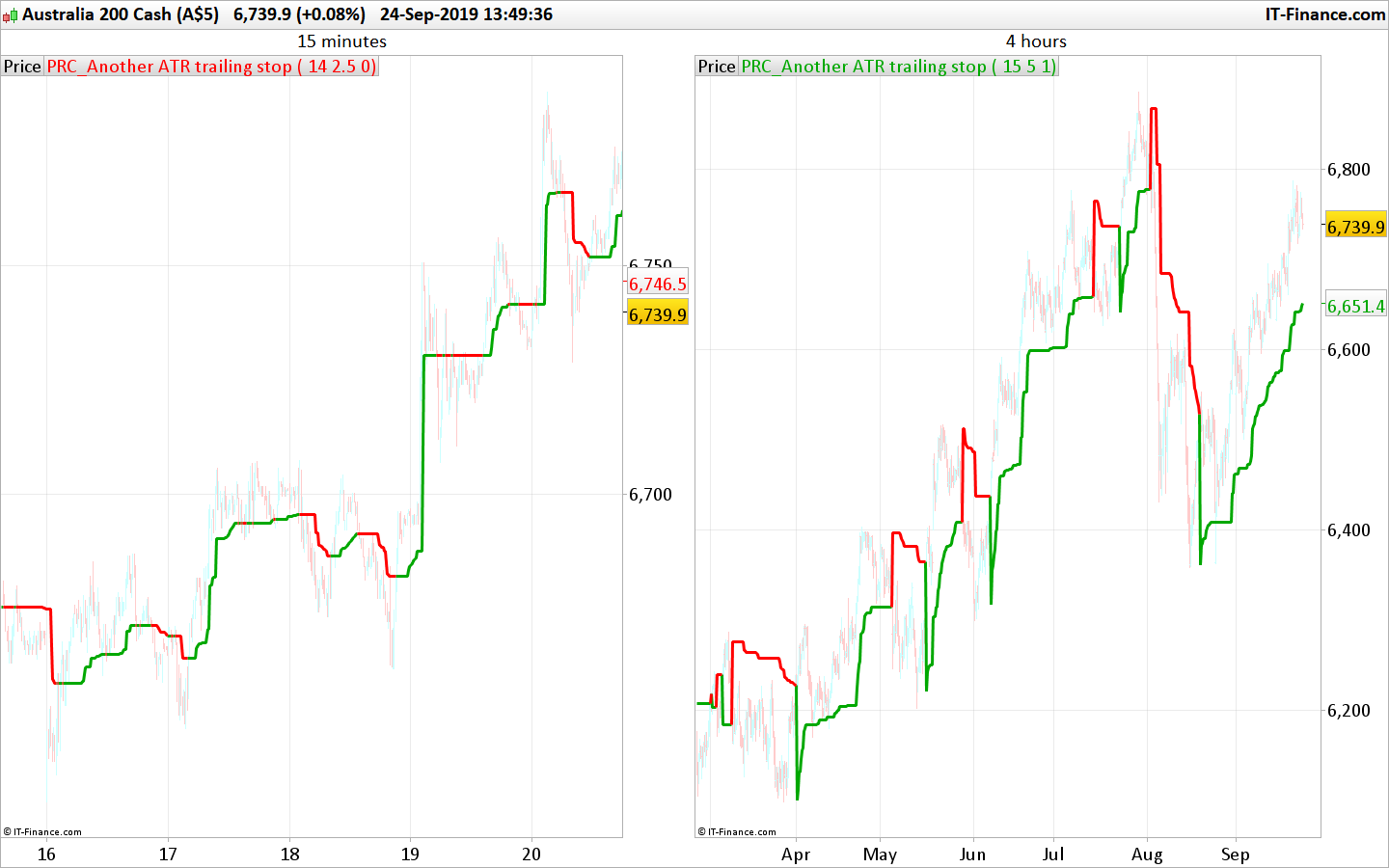
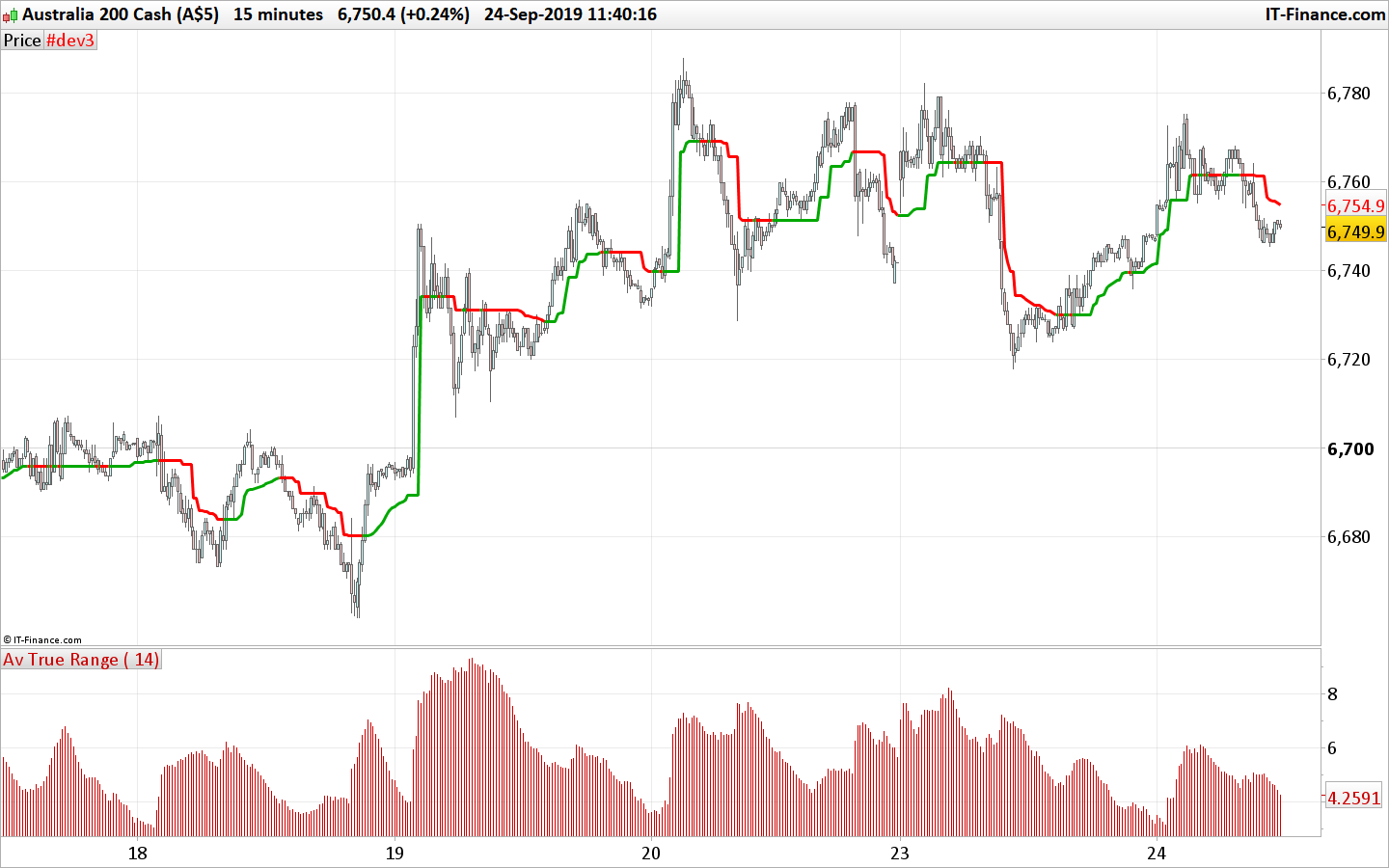
Closely following the price with the Another trailing stop ATR (Average True Range), a based trend following indicator. The idea of this indicator is to closely following the price to get out quickly if the price tends to not move enough to ensure the trend is profitable.
This version uses declining ATR to closely adapt its level to the price. The trailing stop line is following the highest Close (green when it is bullish) or Lowest Close (red when it is bearish) by adding or subtracting the ATR value multiplied with the “mult” setting.
If the ATR (aka price volatility) is ascending, then the trailing stop keep its previous level. When it is declining, the trailing stop level adapt its value according to the current trend:
- Long trend: if the new calculated level is higher than the previous one
- Short trend: if the new calculated level is lower than the previous one
The ATR trailing stop has 2 modes: (“mode” setting)
- mode=0 ; the trend line will keep the same level each time a cross over occur
- mode>0 ; the trend line will take the highest or lowest Close level each time a cross over occur
The chosen mode of the trailing stop line behavior depends of your own trading style, traded instrument and timeframe.
Idea come from this topic in the indicator’s forum: ATR TRAILING STOP
If you have other ideas, nevermind opening a new topic in the forum describing what you have in mind. The community will try to help you achieving your goal!
//PRC_Another ATR trailing stop | indicator
//24.09.2019
//Nicolas @ www.prorealcode.com
//Sharing ProRealTime knowledge

// --- settings
p=14 //ATR period
mult=2 //multiplier
mode=1 //trailing stop mode (0=straight line
// --- end of settings

atr = AverageTrueRange[p](close) * mult

once trend=1

if trend=1 then
 hh=max(hh,close)
 ll=hh
 if atr<atr[1] then
  hhlevel=hh-atr
   if hhlevel>ts then
    ts=hhlevel
   endif
 endif
 r=0
 g=168
else
 ll=min(ll,close)
 hh=ll
 if atr<atr[1] then
  lllevel=ll+atr
  if lllevel<ts then
   ts=lllevel
  endif
 endif
 r=255
 g=0
endif


if close crosses over ts then
 trend=1
 if mode>0 then
  ts=ll
 endif
elsif close crosses under ts then
 trend=-1
 if mode>0 then
  ts=hh
 endif
endif


return ts coloured(r,g,0) style(line,3)