


ProRealTime™ Knowledge Center

Your comprehensive resource for ProRealTime software. Access official documentation, tutorial videos, coding guides, and FAQs to maximize your trading experience.
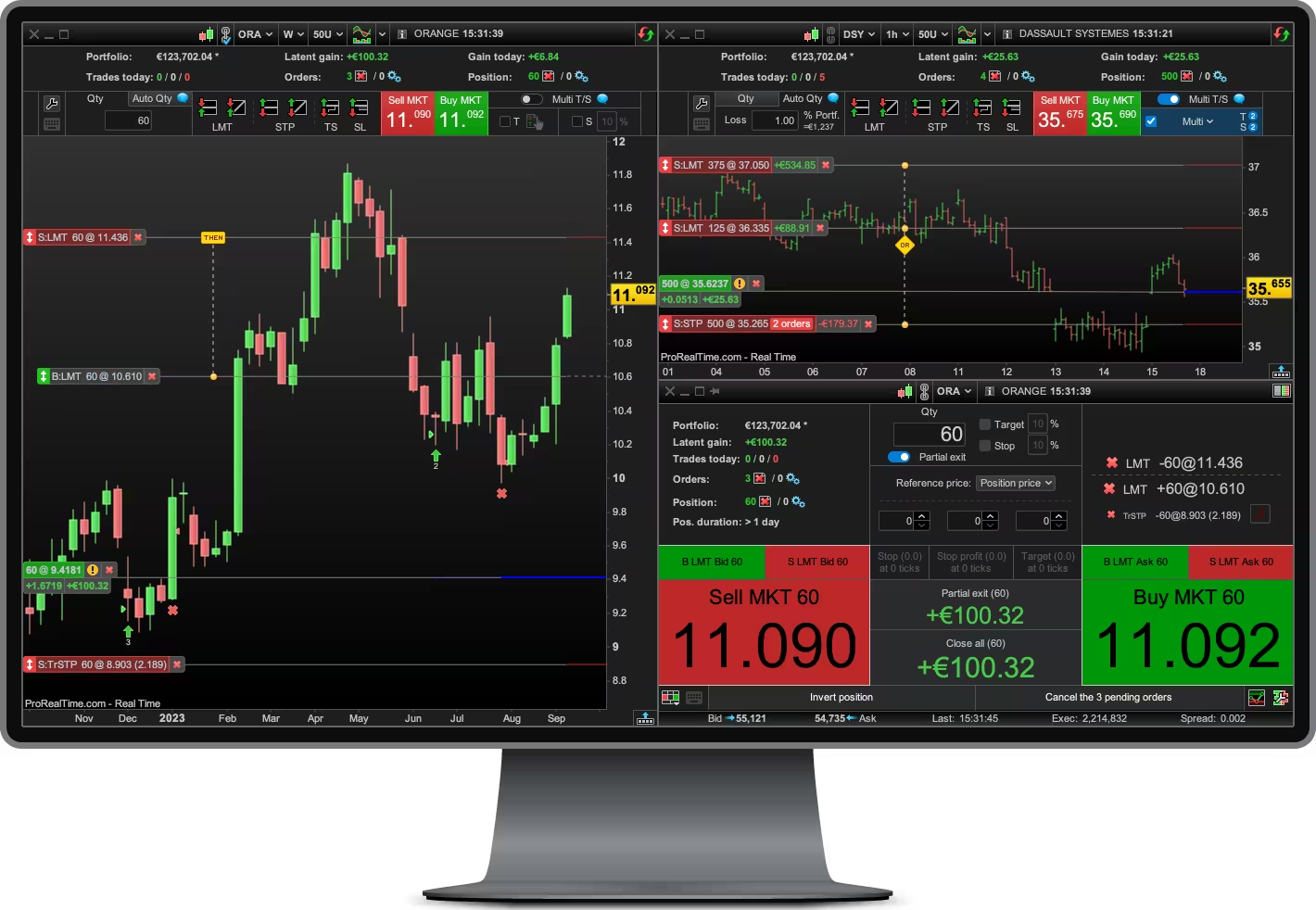
ProRealTime software interface

ProBuilder Programming

Programming instructions for ProBuilder. Learn syntax, functions, and best practices to create your own indicators, strategies and screeners.

Code Snippets

Browse the community's code snippets to find inspiration and accelerate your coding.

Videos

Watch tutorial videos to learn how to use ProRealTime software.

Tutorials

Step-by-step guides to help you get started with ProRealTime software.
Find answers to common questions about ProRealTime software.

ProRealTime™ Knowledge Center

How to navigate the Knowledge Center and get the most out of ProRealTime™.

The ProRealTime™ Knowledge Center is your comprehensive resource for mastering trading and programming with ProRealTime. Here's an overview of the available sections and how they can help you:

Sections of the Knowledge Center

  • ProBuilder Programming Documentation: Detailed guides and references for ProBuilder programming language.
  • Code Snippets: Ready-to-use code examples to enhance your trading strategies and indicators.
  • Videos: Visual tutorials and demonstrations of ProRealTime features and programming techniques.
  • Tutorials (trading & programming): Step-by-step guides for both trading techniques and programming in ProRealTime.
  • FAQs: Quick answers to common questions about ProRealTime usage and features.
  • Courses (trading & programming): Structured learning paths to develop your skills in trading and ProRealTime programming.

How to Navigate the Knowledge Center

To get the most out of the Knowledge Center:

  1. Use the main navigation menu to access different sections.
  2. Utilize the search function to find specific topics or keywords.
  3. Start with the FAQs for quick answers to common questions.
  4. Dive into tutorials and courses for in-depth learning.
  5. Refer to the ProBuilder Programming Documentation for detailed language references.
  6. Explore code snippets to enhance your strategies and indicators.
  7. Watch videos for visual demonstrations and explanations.

Getting the Most out of ProRealTime™

To maximize your ProRealTime™ experience:

  • Regularly check the Knowledge Center for updates and new content.
  • Combine theoretical knowledge from documentation with practical examples from tutorials and code snippets.
  • Practice programming concepts using the provided code examples.
  • Engage with video content for visual learning and demonstrations.
  • Follow structured courses to build a solid foundation in trading and programming.
  • Use the FAQs to quickly troubleshoot common issues or questions.
Logo Logo
Loading...