



Create stoploss with indicator informations in ProOrder
I have a lot of questions on forums about how can we set a stoploss with values from an indicator or any other kind of points distance below or above orders computed by multiple of ATR. It is very easy to do it in ProOrder, and in this short article I will explain how to use conditional request to set a stoploss dynamically and accordingly to it.
Define a simple automated trading strategy example
Let’s make a simple crossover strategy of price over a 100 period simple moving average:
defparam preloadbars = 150
defparam cumulateorders = false

mm = average[100](close)

condition = close crosses over mm

if condition then
 buy 1 lot at market
 set stop loss 200*pointsize
endif
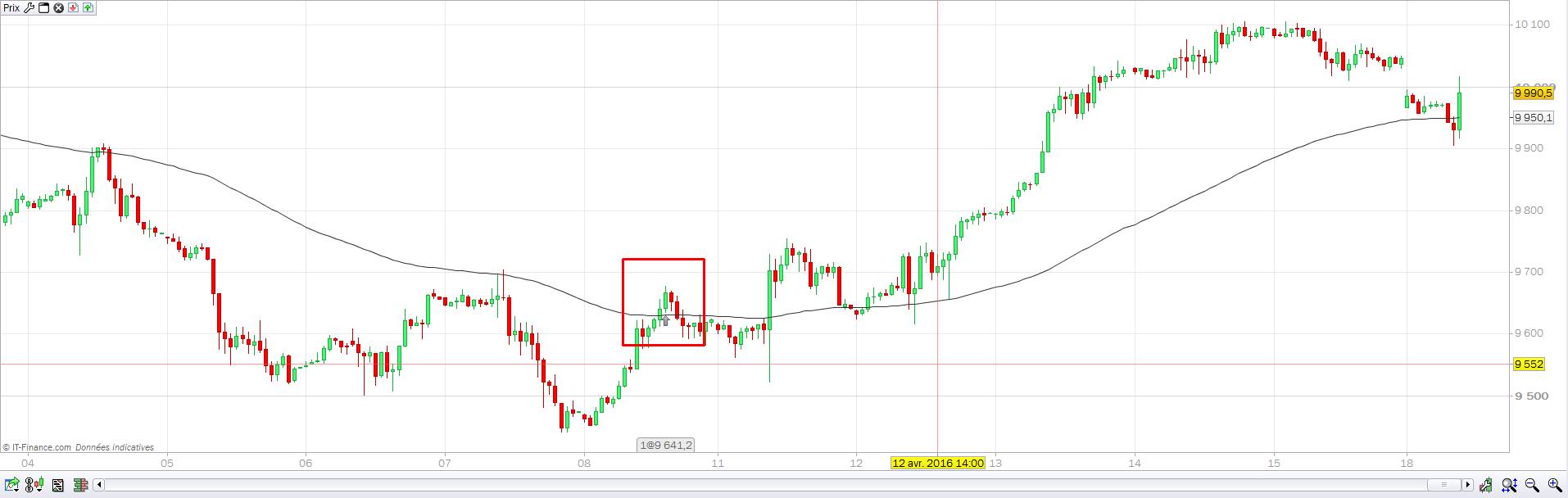
This long only strategy has a fixed stoploss of 200 points. This stoploss will be written in the broker orderbook as soon as the order is launched by the platform. By using the pointsize instruction, we make sure that this strategy would be also effective for any kind of instrument : we are here trading the mini DAX but this code would be exactly the same for any forex pairs, no need to adapt anything because of instrument’s digits.
It’s ok but it is also a pre-determined fixed stoploss that does not take any market information.. but it’s always better to take market informations for takeprofit or stoploss placement!
Create a dynamic stoploss with an indicator
Because we use here a moving average to take positions on market, we can use it to create a dynamic zone that reflect market behaviour at the moment we make an entry in the market. Let’s add average true range band below the moving average:
mm = average[100](close)
ATRsl = mm - highest[50](averagetruerange[100](close)*2)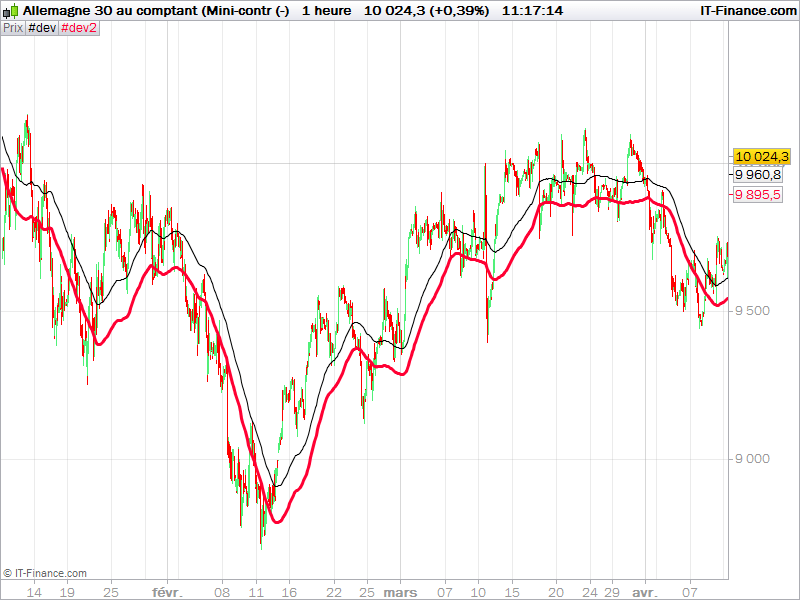
Now we have defined a dynamic stoploss zone adapted to our entries (red curve in the picture above).
Stoploss placement accordingly to the indicator value
To know exactly at which price evolve the ATR band stoploss, we have to calculate its distance value from price, at each new bar:
dynamicSL = close-ATRslBy this, we now known in the first place, where to put our stoploss:
if condition then
 buy 1 lot at market
 //first stoploss:
 SL = close-ATRsl
 set stop ploss SL
 dynamicSL = SL
endif
The pLOSS instruction is defined in points. We also set our dynamicSL to have the same value than the first stoploss for better comparison in the next part of the code.
Then in real time we calculate at which price we have to sell our position(s) by comparing the actual stoploss to the dynamic one :
//dynamicSL
if longonmarket then
 if(ATRsl>dynamicSL) then
 dynamicSL=ATRsl
endif
 sell at dynamicSL stop
endif
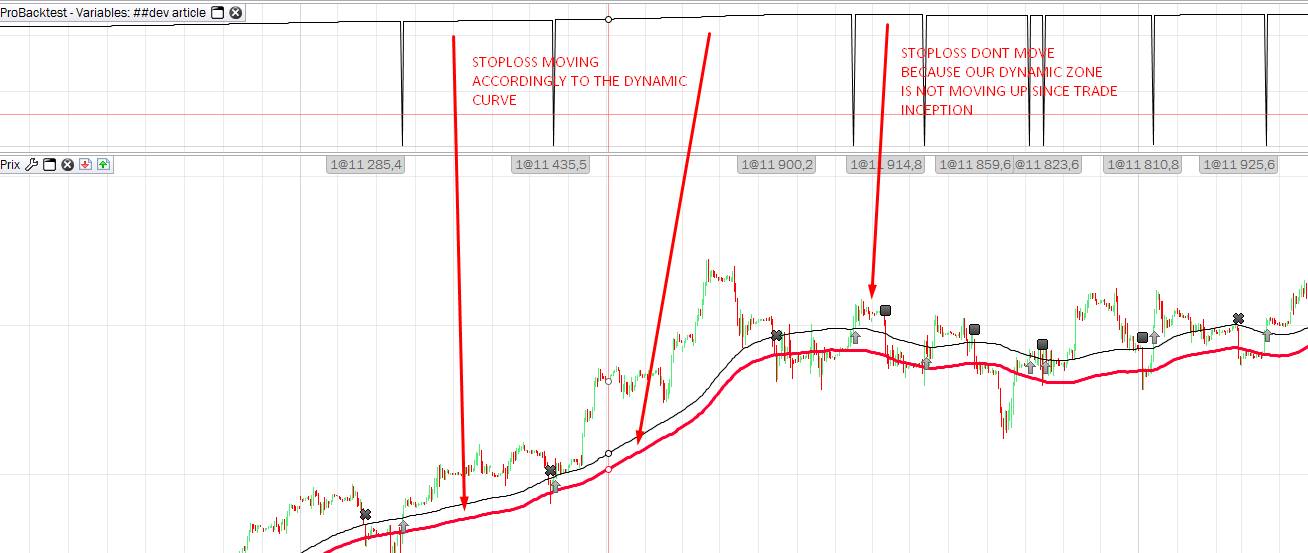
By doing this calculation, we ensure that our stoploss is moving accordingly while the price (or our ATRsl line) is moving higher. If not, we do not update our dynamicSL variable.
The entire code of the strategy example :
defparam preloadbars = 150
defparam cumulateorders = false

mm = average[100](close)
ATRsl = mm - highest[50](averagetruerange[100](close)*2)

condition = close crosses over mm

if condition then
 buy 1 lot at market
 //first stoploss:
 SL = close-ATRsl
 set stop ploss SL
 dynamicSL = SL
endif

//dynamicSL
if longonmarket then
 if(ATRsl>dynamicSL) then
  dynamicSL=ATRsl
 endif
 sell at dynamicSL stop
endif

GRAPH dynamicSL as "dyn"
You surely understood here that the real order stoploss is not really moving, we are only setting a stop order to sell at market when the price is touching our dynamic zone stoploss instead. Though this code is compliant in real market trading conditions and compatible with IG market and ProRealTime CFD ProOrder trading. You should treat it as an example of what we can do to protect gain while trading in a trend market.

