Can’t see ProCode or Screeners in PRT 11.

Viewing 7 posts - 1 through 7 (of 7 total)

  • Author
    Posts
  • #210907 quote
    Adante79Adante79
    Participant
    Junior

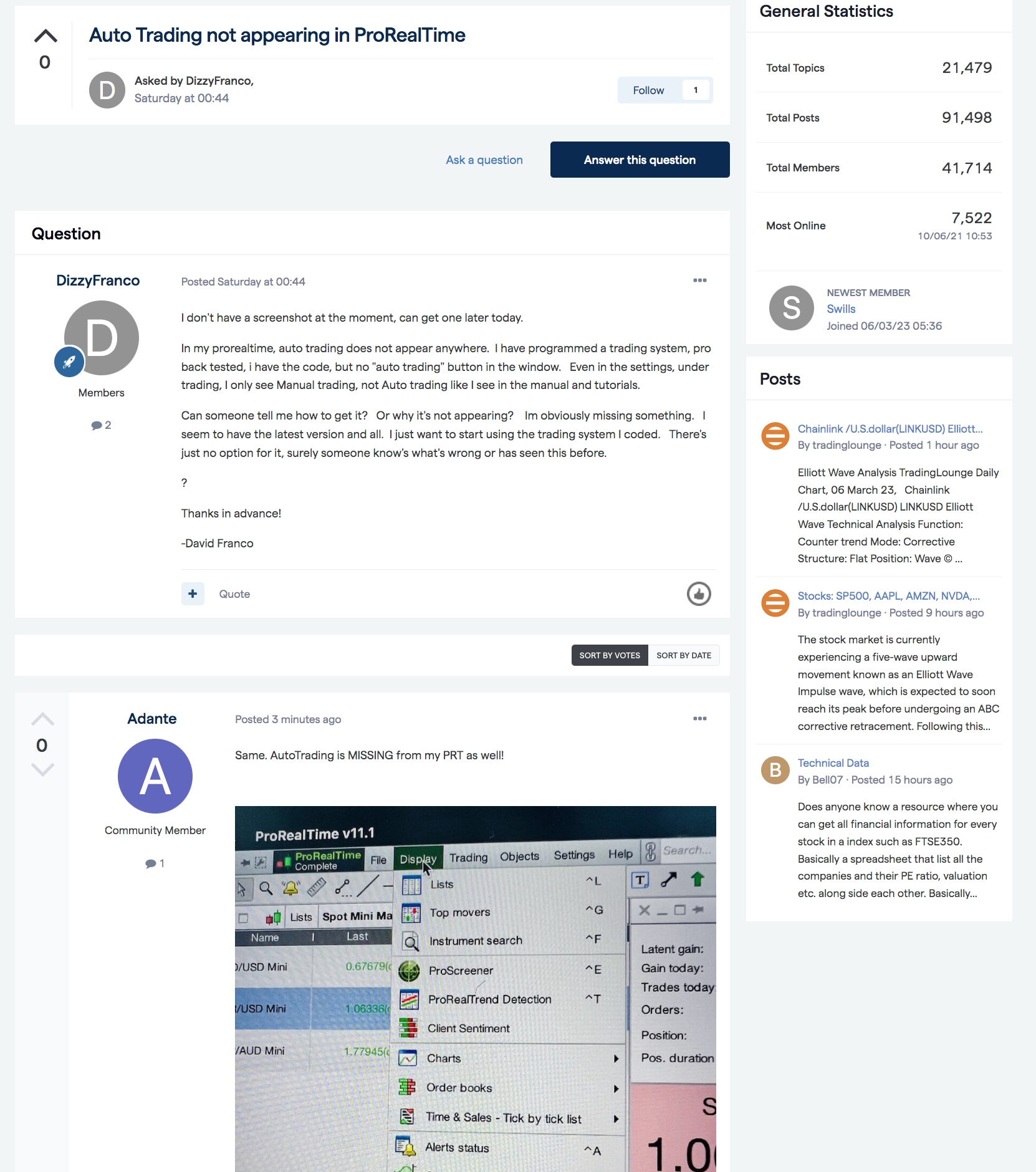
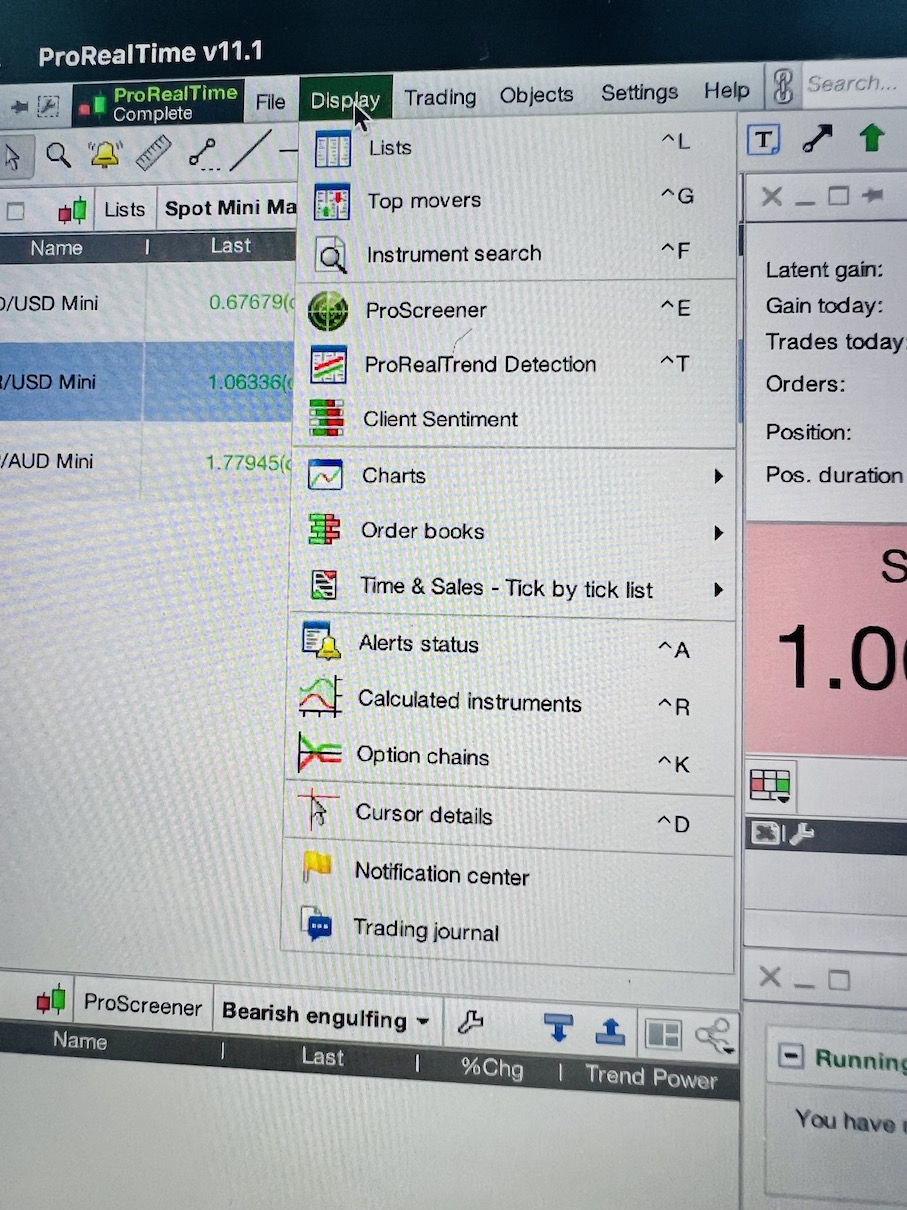
    Hi, am a PRT 11 user and I used to be able to see ProScreener & ProCode, but cannot see them under ‘Display’ (as the manual states).

    Screenshot attached.

    Anything I’m doing wrong? Is this a PRT issue OR IG (my broker)?

    Thanks

    Mike

    #210908 quote
    Adante79Adante79
    Participant
    Junior

    Hi, am a PRT 11 user and I used to be able to see ProScreener & ProCode, but cannot see them under ‘Display’ (as the manual states).

    Screenshot attached.

    Anything I’m doing wrong? Is this a PRT issue OR IG (my broker)?

    Thanks

    Mike

    IMG_5795.jpg IMG_5795.jpg
    #210921 quote
    PeterStPeterSt
    Participant
    Master

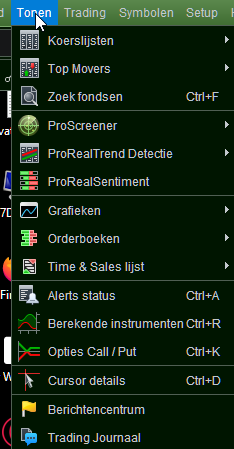
    This is PRT Premium – but it is hard to imagine that’s the reason.


    Hi, am a PRT 11 user and I used to be

    What does that mean ?

    One thing : This is not a direct IG account, but “PRT Sponsored”. This could make a difference.

    Adante79 thanked this post
    image_2023-03-05_074534557.png image_2023-03-05_074534557.png
    #210960 quote
    Adante79Adante79
    Participant
    Junior

    I can see the ProScreener but NOT the ProBackTest or Indicators.

    #210961 quote
    PeterStPeterSt
    Participant
    Master

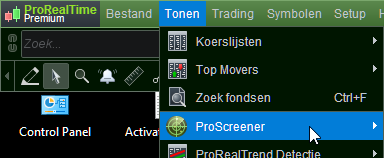
    The button under the mouse arrow in pic 1 could be larger for you (but the icon is similar).
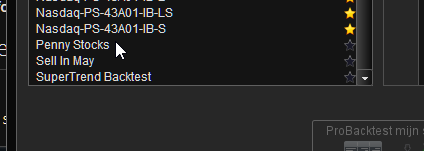
    Then click the tab in the top-right.
    Select in the left pane.
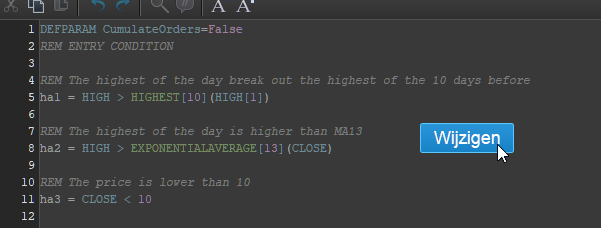
    Click Edit.

    Is that what you mean ?
    This is for V11.1. Maybe you are used to V10.3 … (there it is very different – in V12 it is different again).

    image_2023-03-06_072127566.png image_2023-03-06_072127566.png image_2023-03-06_072308438.png image_2023-03-06_072308438.png image_2023-03-06_072359577.png image_2023-03-06_072359577.png image_2023-03-06_072434190.png image_2023-03-06_072434190.png
    #210967 quote
    Adante79Adante79
    Participant
    Junior

    Dont have any of that anymore. IG have been informed. I’m not only one experiencing this Error on my PRT 11 terminal.

    PRT_Missing.jpeg PRT_Missing.jpeg
    #210969 quote
    PeterStPeterSt
    Participant
    Master

    There is no Autotrading in that menu. It is where I showed it. See below – it is not there for me neither. It is not there for anyone …
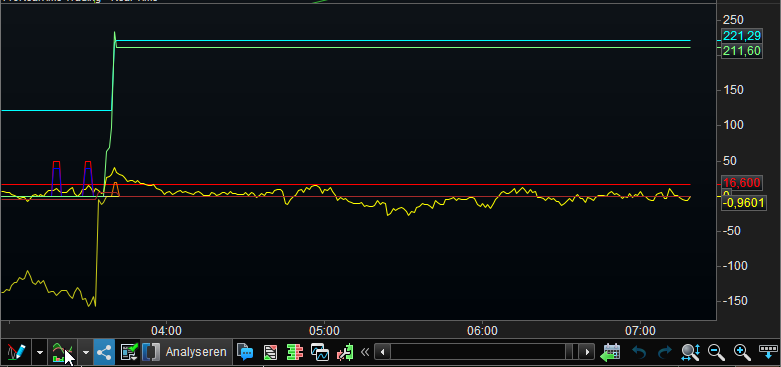
    Maye you can show the bottom of a random chart (which allows trading for you) so we can check for that button to be there ? (the button I showed in my porvious post)

    image_2023-03-06_080609208.png image_2023-03-06_080609208.png
Viewing 7 posts - 1 through 7 (of 7 total)
  • You must be logged in to reply to this topic.

ProRealAI ProRealAI New

Stuck on this ProBuilder code?

Describe what this topic is trying to build, in plain English, and ProRealAI writes the ProRealTime™ indicator, screener or system for you.

Available in 7 languages
Try ProRealAI

Can’t see ProCode or Screeners in PRT 11.


ProOrder: Automated Strategies & Backtesting

New Reply
Author
author-avatar
Adante79 @adante79 Participant
Summary

This topic contains 6 replies,
has 2 voices, and was last updated by PeterStPeterSt

3 years, 6 months ago.

Topic Details
Forum: ProOrder: Automated Strategies & Backtesting
Language: English
Started: 03/05/2023
Status: Active
Attachments: 8 files
ProRealCode ProRealCode
Loading...