Access to historical trade data

Viewing 4 posts - 1 through 4 (of 4 total)

  • Author
    Posts
  • #157687 quote
    GrantxGrantx
    Participant
    Average

    Is there a way to access my closed trades? I want to plot that days Open, Stop and target  for each trade on the chart. I want to do this because I reaaaally dont like the icons PRT uses.

    #157778 quote
    NicolasNicolas
    Keymaster
    Legend

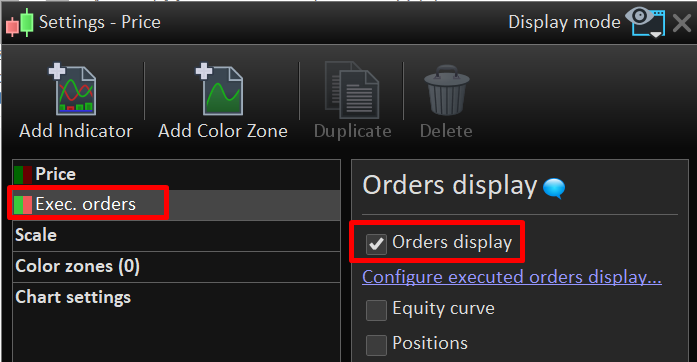
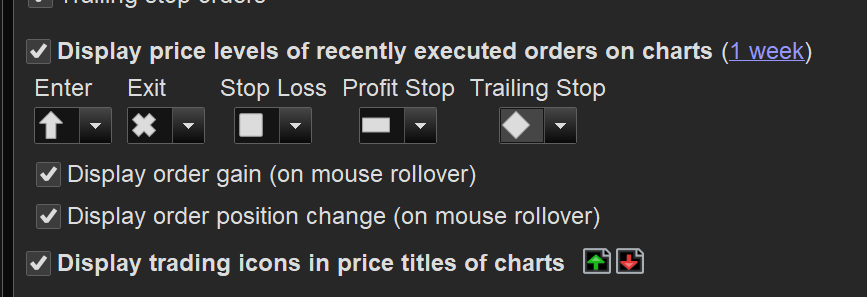
    In the price settings, selec “Exec. orders” and check “Orders display” checkbox. You can configure executed orders display by clicking on the link there.

    Grantx thanked this post
    orders-display-prorealtime.png orders-display-prorealtime.png
    #157819 quote
    GrantxGrantx
    Participant
    Average

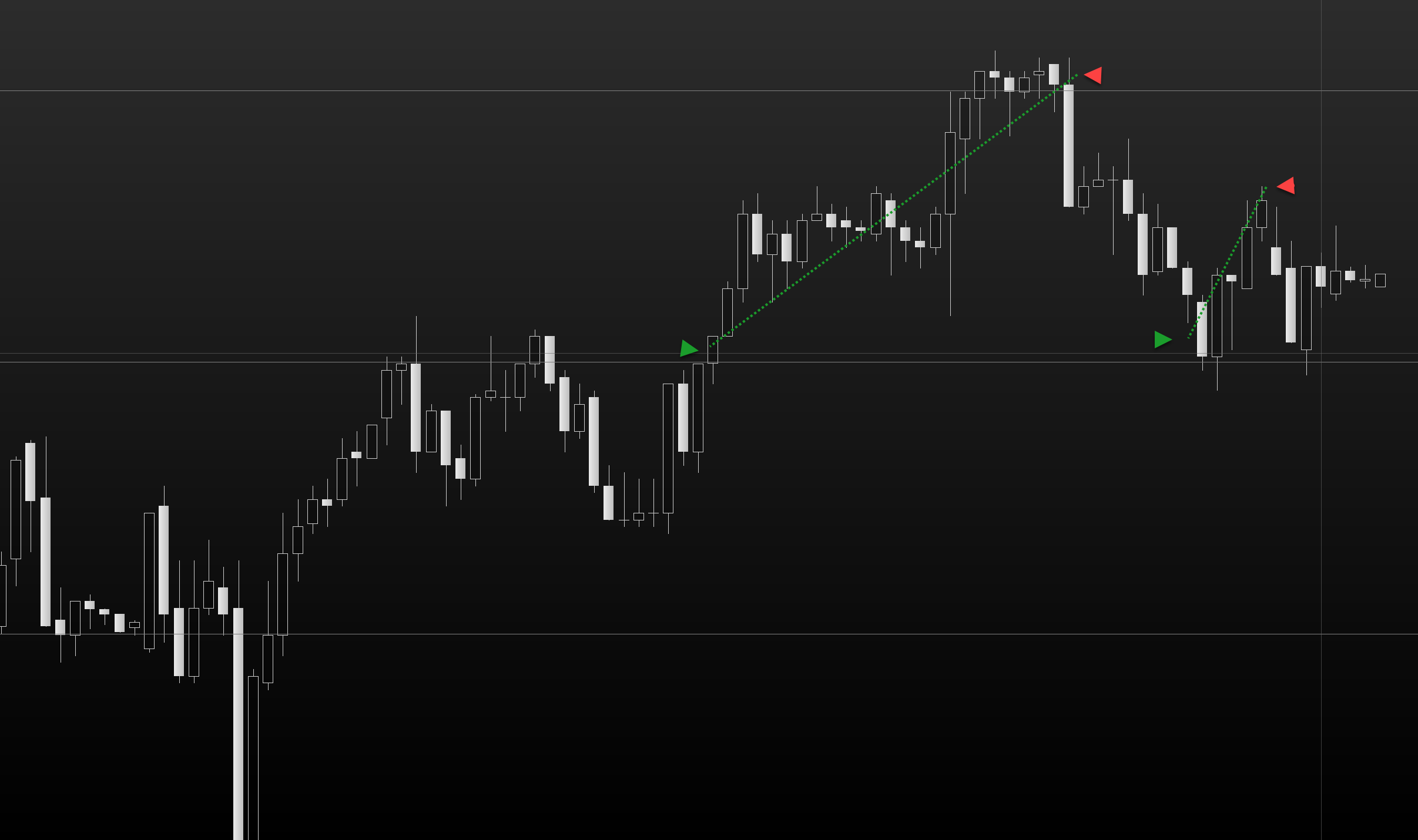
    Thanks. The issue is the icons they use. They are too fat and confusing when trades are bunched together. I just want a simple right or left arrow line that says entry/exit/stop or at least the ability to control the size of the icons.

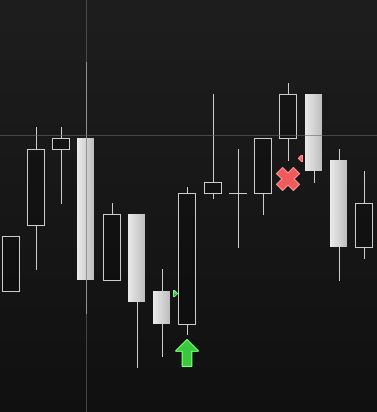
    Ive attached what I would like to see. This is kind of standard across platforms so PRT should really improve on this. You can see in the other screenshot where the little right arrow they use is so tiny I cant see it. ANd I would like to disable those huge crosses and squares – just want to see the entry point on the candle.

    If PRT wont change this then perhaps I can programme it but I need access to my trade history.

    1234.png 1234.png 123.png 123.png 123456.png 123456.png
    #157885 quote
    GraHalGraHal
    Participant
    Legend

    If PRT wont change this

    They might do … send your suggestions direct to PRT using the Form below.

    https://www.prorealtime.com/en/contact?suggestion=1

    the little right arrow they use is so tiny I cant see it. ANd I would like to disable those huge crosses and squares

    I agree tradeprice markers are far too small and there should be an option to disable X ‘s & Arrowheads and / or make smaller etc.

Viewing 4 posts - 1 through 4 (of 4 total)

  • You must be logged in to reply to this topic.

ProRealAI ProRealAI New

Stuck on this ProBuilder code?

Describe what this topic is trying to build, in plain English, and ProRealAI writes the ProRealTime™ indicator, screener or system for you.

Available in 7 languages
Try ProRealAI

Access to historical trade data


ProBuilder: Indicators & Custom Tools

New Reply
Author
author-avatar
Grantx @grantx Participant
Summary

This topic contains 3 replies,
has 3 voices, and was last updated by GraHalGraHal

5 years, 8 months ago.

Topic Details
Forum: ProBuilder: Indicators & Custom Tools
Language: English
Started: 01/13/2021
Status: Active
Attachments: 4 files
ProRealCode ProRealCode
Loading...