







Ichimoku Range Helper
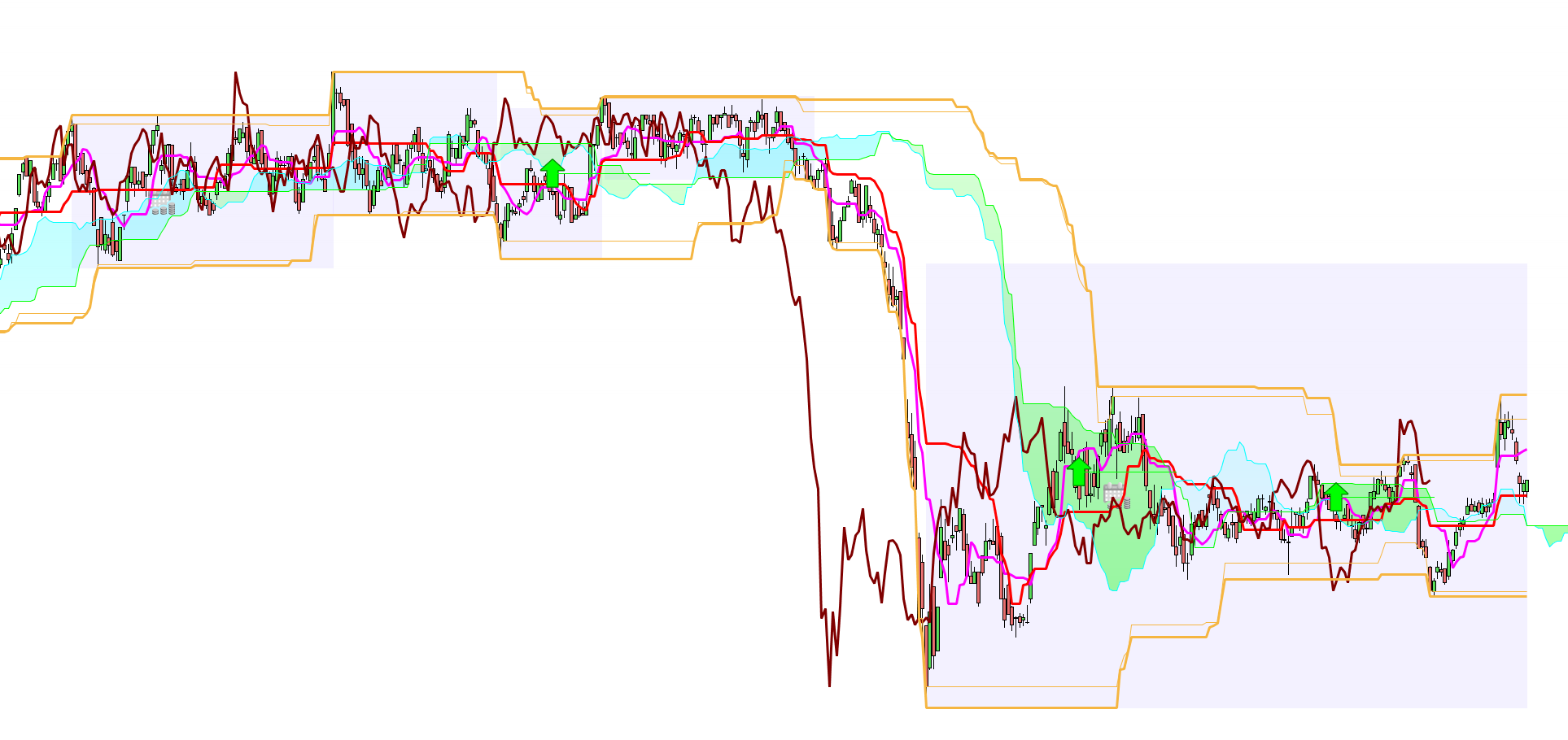
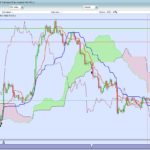
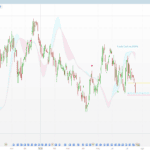
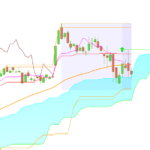
I made this indicator to help me trade neutral trends. In neutral trends it is important to know the range boundaries. So I display the limits of each neutral trend that I detect with a switch of the Ichimoku cloud.
If there is a breakout of the upper or lower bounds of the range in this case the rectangle ends and we switch to a bearish or bullish trend or to another neutral trend. I also display the lines corresponding to the highest and lowest over 52 periods (with or without shadows for the candles). You will also find a target indicated by an arrow with a line going to the relevant twist. This corresponds to the opposite to the Senkou Span B of the price at the time of the twist. This is only displayed for twists that go in the opposite direction to the price.
Tenkan = (highest[9](high)+lowest[9](low))/2
Kijun = (highest[26](high)+lowest[26](low))/2
SSpanA = (Tenkan+Kijun)/2
SSpanB = (highest[52](high)+lowest[52](low))/2

// CROISEMENT SSA et SSB
TWIST=(SSpanA[1] < SSpanB[1] and SSpanA > SSpanB) or (SSpanA[1] > SSpanB[1] and SSpanA < SSpanB)

if PlusHautAvecMeche <> highest[52](high) and inRange <> 1 then
 PlusHautAvecMeche=highest[52](high)
 lastChangeHigh=barindex
endif
if PlusBasAvecMeche <> lowest[52](low) and inRange <> 1 then
 PlusBasAvecMeche=lowest[52](low)
 lastChangeLow=barindex
endif

if inRange = 1 and (BorneSup < close or BorneInf > close) then
 inRange=0
 rangeLimitStart=rangeStart
 rangeLimitStop=barindex
 BorneLimiteSup=BorneSup
 BorneLimiteInf=BorneInf
 lastChangeHigh=barindex
 lastChangeLow=barindex
endif

if lastChangeLow > lastChangeHigh then
 lastChange=lastChangeHigh
else
 lastChange=lastChangeLow
endif

if twist then
 if SSpanB < close and SSpanB > SSpanA then
  objectif = SSpanB - (close - SSpanB)
  drawarrowdown(barindex,objectif) coloured(255,0,0)
  drawsegment(barindex,objectif,barindex+26,objectif) coloured(255,0,0)
 elsif SSpanB > close and SSpanB < SSpanA then
  objectif = SSpanB + (SSpanB - close)
  drawarrowup(barindex,objectif) coloured(0,255,0)
  drawsegment(barindex,objectif,barindex+26,objectif) coloured(0,255,0)
 endif
 if inRange <> 1 then
  inRange=1
  rangeStart=lastChange
  BorneSup=highest[52](high)
  BorneInf=lowest[52](low)
 endif
endif

x=highest[52](close)
y=highest[52](open)
if (x>y) then
 PlusHautSansMeche=x
else
 PlusHautSansMeche=y
endif
x=lowest[52](close)
y=lowest[52](open)
if (x>y) then
 PlusBasSansMeche=y
else
 PlusBasSansMeche=x
endif

if barindex=rangeLimitStop then
 DRAWRECTANGLE(rangeLimitStart,BorneLimiteSup,rangeLimitStop,BorneLimiteInf) coloured(177,163,255,40) bordercolor(0,0,0,0)
elsif isLastBarUpdate and inRange=1 then
 DRAWRECTANGLE(rangeStart,BorneSup,barindex,BorneInf) coloured(177,163,255,40) bordercolor(0,0,0,0)
endif

return highest[52](high) coloured(245,182,66) AS "Ichimoku Highest",lowest[52](Low) coloured(245,182,66) AS "Ichimoku Lowest",PlusHautSansMeche coloured(245,182,66) as "Plus Haut Sans Meche", PlusBasSansMeche coloured(245,182,66) as "Plus Bas Sans Meche"
Comments
You must be logged in to post a comment.
This instruction is for the V11 maybe that you are using V10.3 then you can safely remove it.


Thanks if you notice some issues I'd be glad to hear about them.
Bonjour, Je vois l'instruction inRange mais je ne trouve pas sa signification. Pouvez-vous m'expliquer SVP Merci bien!